网站对联广告js代码分享,该代码刚打开页面时的效果是右边的广告从左边打开,支持关闭广告,效果如下:
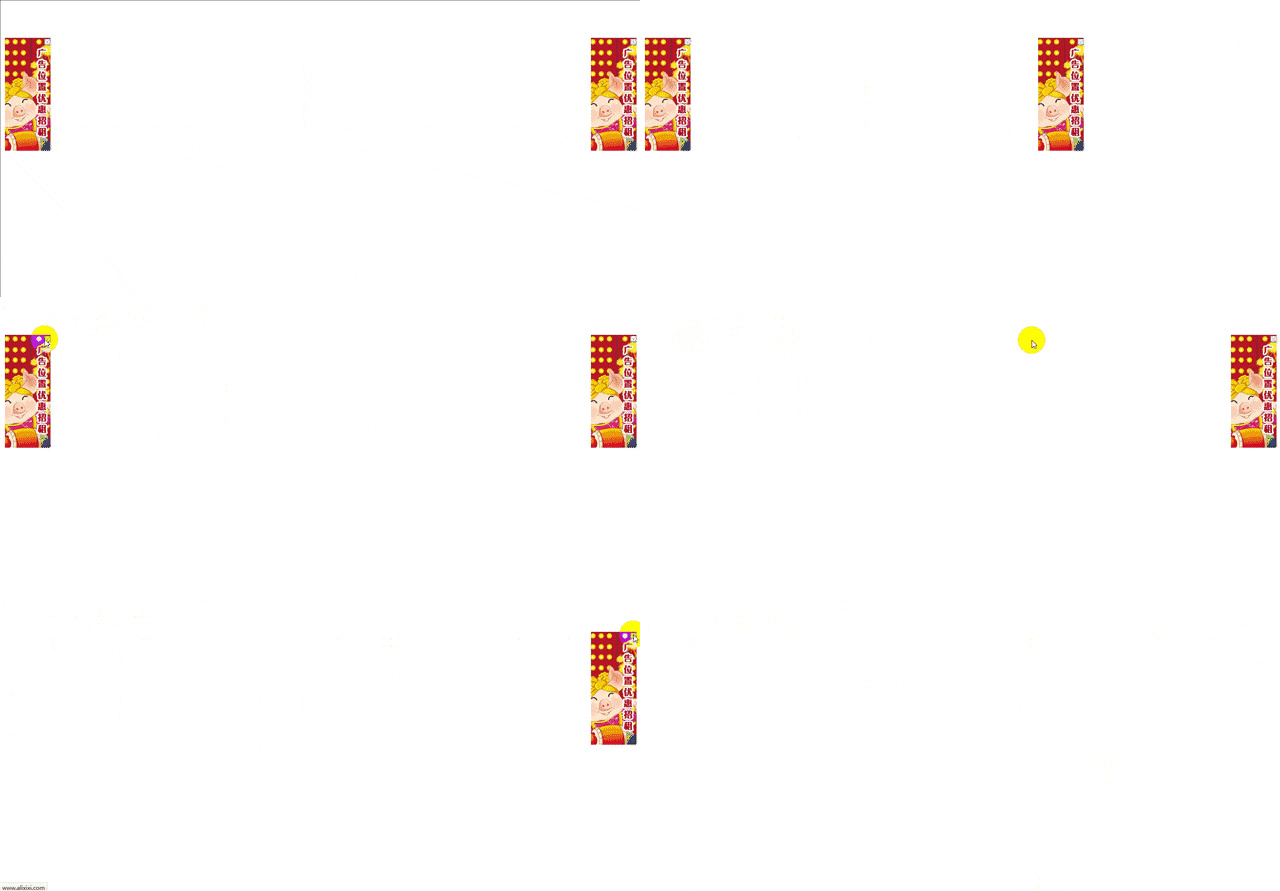
html页面代码:
<link href="css.css" rel="stylesheet" type="text/css" />
<script type="text/javascript" src="js.js"></script>
<!--引用css样式文件和js文件-->
<div id="lwc">
        <a href="广告跳转链接" target="_blank">
            <img src="图片地址.jpg" width="88" height="188" border="0" /></a></div>
    <div id="rwc">
        <a href="广告跳转链接" target="_blank">
            <img src="图片地址.jpg" width="88" height="188" border="0" /></a></div>
    <input class="close" id="lwc_c" type="button" value=" " />
    <input class="close" id="rwc_c" type="button" value=" " />
CSS样式代码:
#lwc, #rwc
{
    width: 97px;
    height: 240px;
    background: #009999;
}
#lwca, #rwca
{
    width: 97px;
    height: 97px;
    background: #009999;
}
.close
{
    height: 13px;
    width: 13px;
    border-top-style: none;
    border-right-style: none;
    border-bottom-style: none;
    border-left-style: none;
    background-image: url(close.gif);
    background-repeat: no-repeat;
    margin-top: 2px;
    margin-right: 2px;
}
#lwc, #rwc, #lwc_c, #rwc_c
{
    display: none;
}
#lwca, #rwca, #lwc_ca, #rwc_ca
{
    display: none;
}
JS文件代码:
function $(id) {
    return document.getElementById(id);
}

function scrollBanner(timer, moveNumber) {

    function move(o) {
        var st = document.documentElement.scrollTop + o.t;
        var sl = document.documentElement.scrollLeft + (o.c == 0 ? o.a : document.documentElement.clientWidth - o.a - o.offsetWidth);
        var tc = st - o.offsetTop, lc = sl - o.offsetLeft;
        with (o.style) {
            top = o.offsetTop + (tc != 0 ? tc / Math.abs(tc) : 0) * Math.min(Math.abs(tc), moveNumber) + "px";
            left = o.offsetLeft + (lc != 0 ? lc / Math.abs(lc) : 0) * Math.min(Math.abs(lc), moveNumber) + "px";
        }
        if (o.person) {
            with (o.person.style) {
                top = o.offsetTop + "px";
                left = o.offsetLeft + o.offsetWidth - o.person.offsetWidth + "px";
            }
        }
    }

    var hidden = function () {
        var o = this.parent;
        window.clearInterval(o.interval);
        o.parentNode.removeChild(o);
        this.parentNode.removeChild(this);
    }

    this.add = function (to, t, a, c, lo) {
        /*
        to为object对象
        t为距离顶端距离
        当c   =   0的时候,a为距离左边的距离
        当c   !=   0的时候,a为距离右边的距离
        lo为关闭按钮
        */
        var div, exec = function () {
            move(to);
        };

        to.person = lo;
        to.t = t;
        to.a = a;
        to.c = c;
        with (to.style) {
            position = "absolute";
            display = "block";
            top = document.documentElement.scrollTop + t;
            left = document.documentElement.scrollLeft + (c == 0 ? a : document.documentElement.clientWidth - a - to.offsetWidth);
        }

        if ("undefined" != typeof lo) {
            with (lo.style) {
                position = "absolute";
                display = "block";
            }
            lo.onmousedown = hidden;
            lo.parent = to;
        }
        exec();
        to.interval = window.setInterval(exec, timer);
    };
}

window.onload = function () {
    var b = new scrollBanner(10, 15);
    b.add($("lwc"), 80, 10, 0, $("lwc_c"));

    b.add($("rwc"), 80, 10, 1, $("rwc_c"));

    b = null;
}
关闭广告图标:
相关阅读 >>
html表单中textarea属性怎么固定大小?textarea属性实例介绍
更多相关阅读请进入《js》频道 >>

Vue.js 设计与实现 基于Vue.js 3 深入解析Vue.js 设计细节
本书对 Vue.js 3 技术细节的分析非常可靠,对于需要深入理解 Vue.js 3 的用户会有很大的帮助。——尤雨溪,Vue.js作者